pixforge: your photos don't have to leave your device
pixforge is a browser-based image tool made by Jinlab. Its 16 features live on one page: crop, pixelate (mosaic), split into a nine-grid, collage, swap an ID photo background, AI upscaling and more. Basic features run entirely in your own browser, so your photos aren't uploaded. AI tools (such as ID photo background swap, cutout, upscaling and styles) are optional and send the photo to an AI provider.
pic.jinlab.com · Basic tools need no sign-up
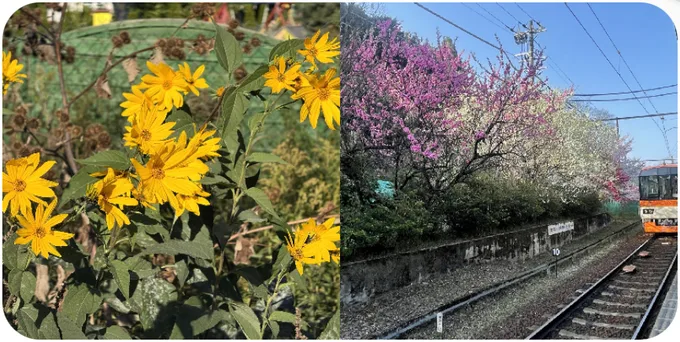
Before and after
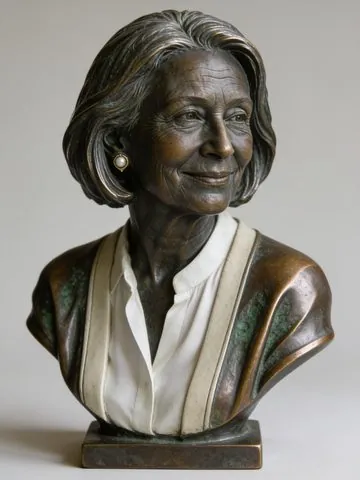
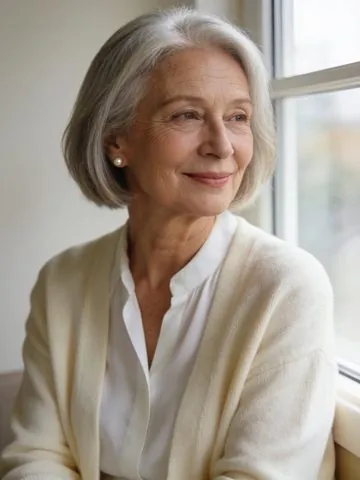
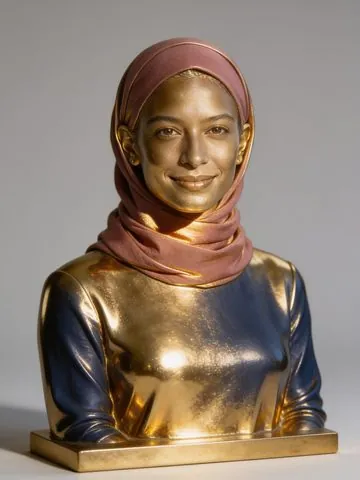
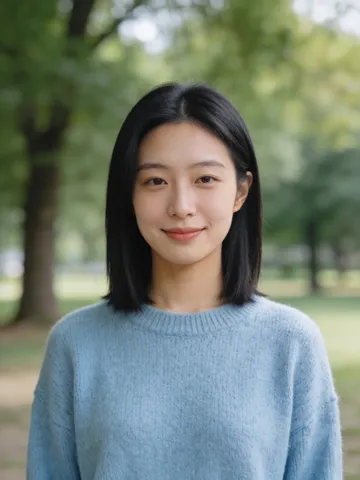
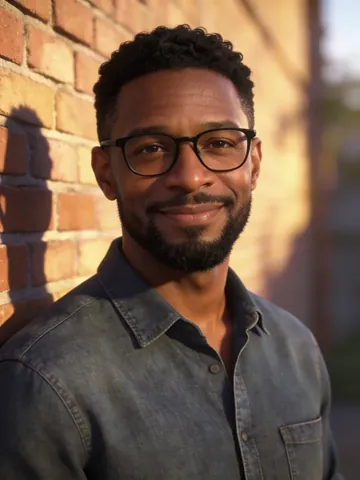
Real pixforge results. Drag the slider, or focus it and use the arrow keys, to compare.
Background removal
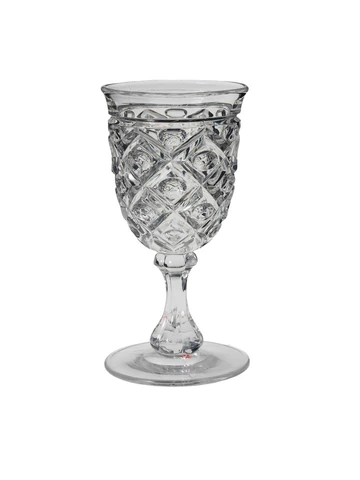
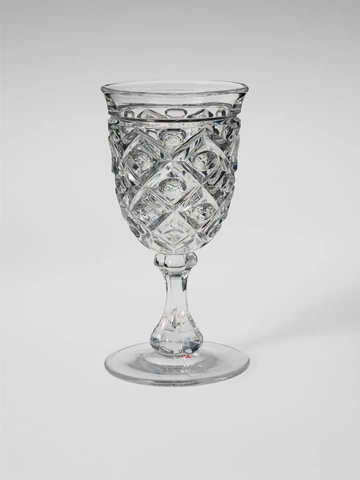
AI object removal
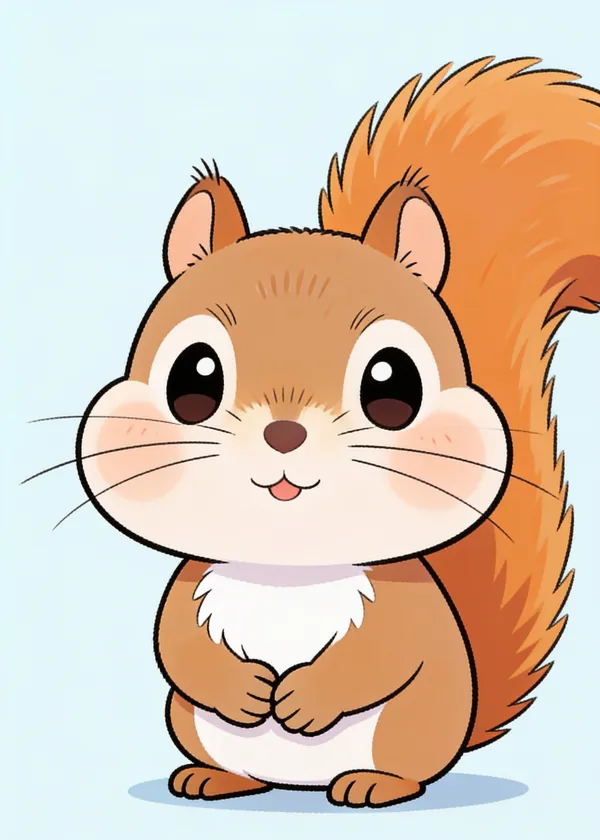
Chibi style transfer
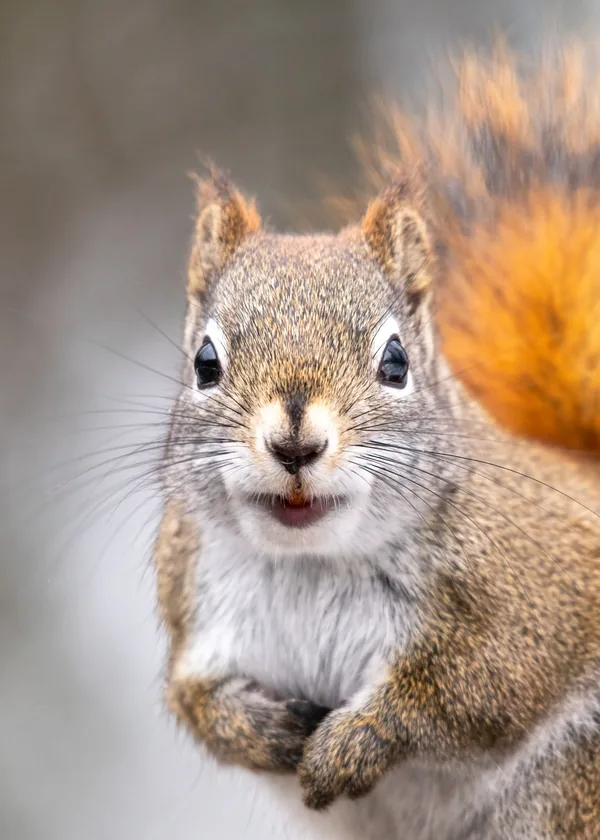
Classical oil painting style
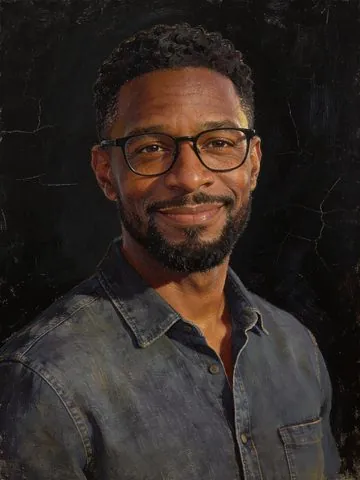
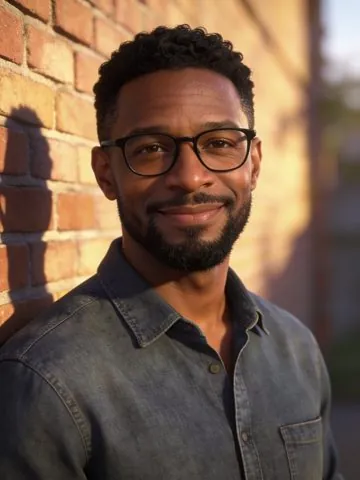
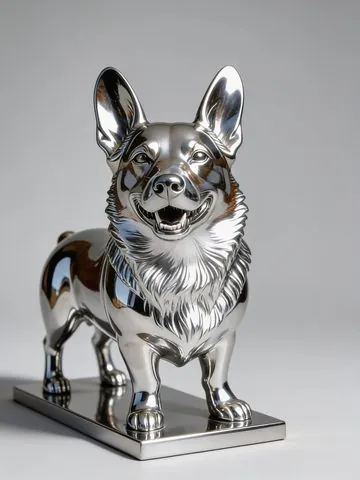
Mirror chrome style
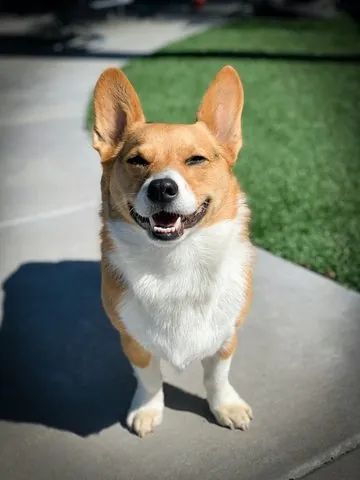
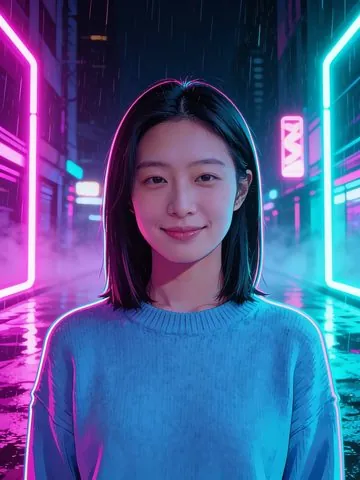
Cyberpunk style
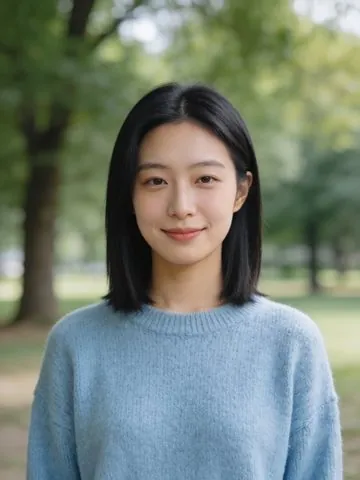
Antique bronze style
Gilded gold style
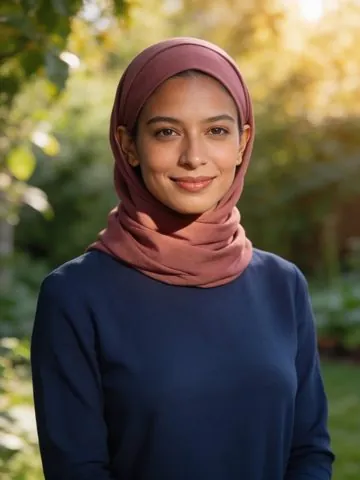
Watercolor style
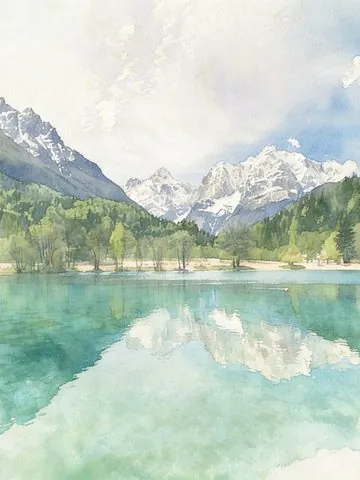
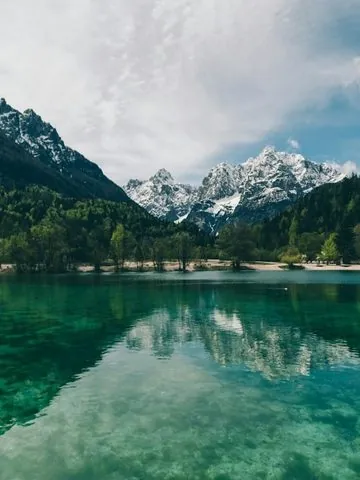
Japanese anime style
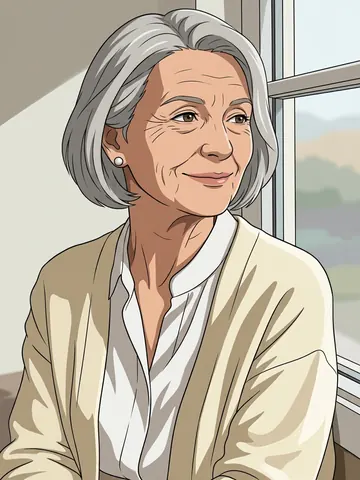
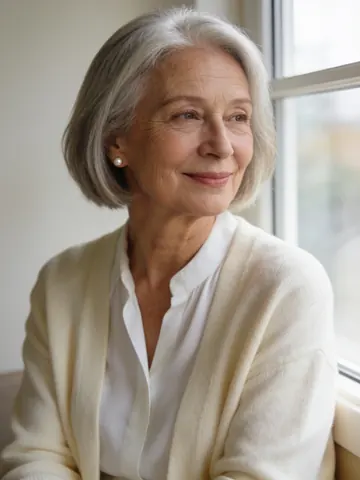
Hand-drawn animated film style

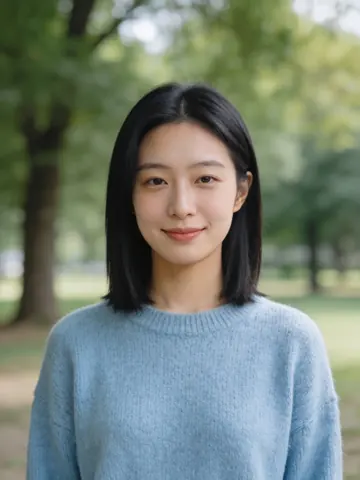
3D cartoon style
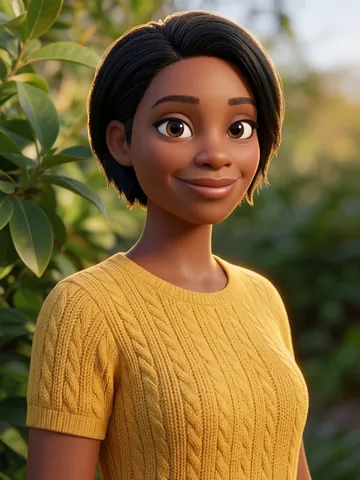
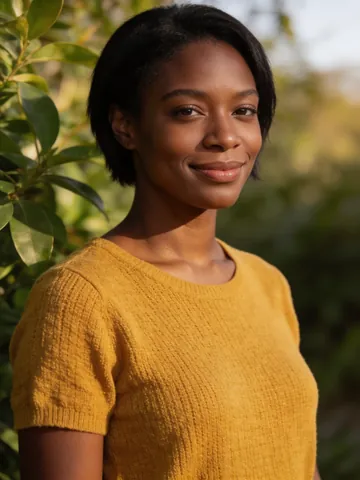
Storybook illustration style
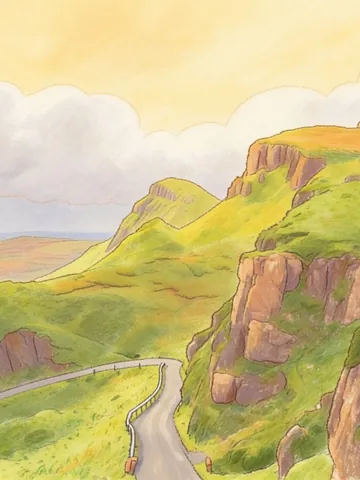
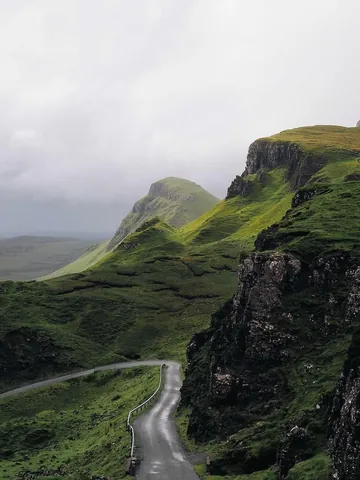
Ink wash style
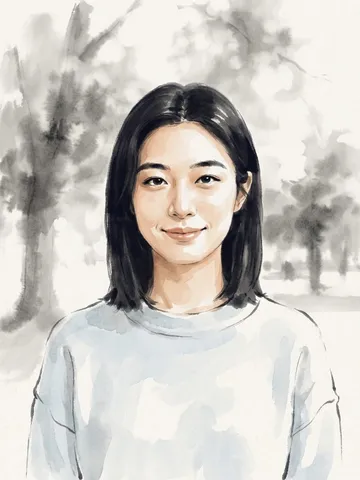
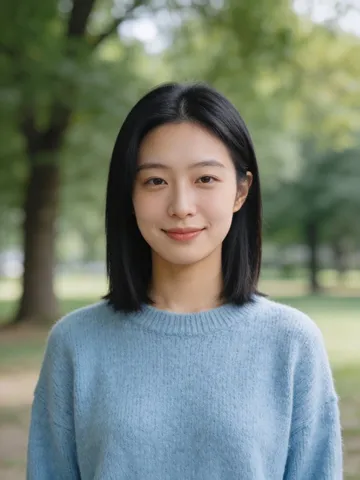
Chinese classical style

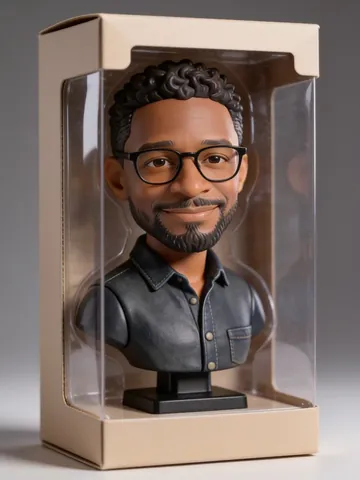
3D boxed figure style
Why it's worth a try
Your photos stay on your device
Basic features such as cropping, resizing, format conversion, mosaic and batch processing all run in your own browser, so there's no waiting for uploads. See the full list in the pixforge guide (Chinese).
Wide-gamut iPhone photos are less likely to look washed out
Many web tools leave Display P3 photos looking washed out after editing. pixforge keeps the original color data and color profile on export, although some mobile browsers decode images in their own way, so results there can't be guaranteed. See the test results in Wide-gamut photos (Chinese).
CMYK print images: pure black stays black, not brown
Browsers' built-in conversion turns pure black into a brownish gray. pixforge uses the open-source color engine LittleCMS instead. See the comparison in CMYK to RGB (Chinese).
Things you can do right away
Each one has a step-by-step article (in Chinese).
Pixelate before you postHide faces, license plates, chat screenshots and QR codes with a mosaic: brush it on, drag a box, or apply it to the whole image.
Split a photo into a 3×3 grid for WeChat MomentsCut a square photo into 9 tiles. Not square? Crop it to a square first, right there in the tool.
Change an ID photo's background colorSwitch the background to white, red or blue. For official ID photos, check the requirements of the agency you're submitting to.
Make phone photos sharperAI upscaling at 2× or 4×. The article includes tested upload limits for large images.
Restore and colorize old photosFix scratches, fading and blur in one step; black-and-white photos can be colorized too.
Edit dozens of photos at onceSelect up to 50 at a time, resize and convert them all in one go, and download them as a ZIP file.
Combine several photosJoin 2–9 photos into one, with layouts such as side by side, stacked, three-panel and 2×2 grid.
FAQ
What is pixforge?
pixforge is Jinlab's online photo tool at pic.jinlab.com. It runs in a phone or desktop browser. Basic tools (crop, resize, convert and more) are free; AI tools (background removal, upscaling, style transfer, old photo restoration, object removal) use credits.
Which tools are free, and do I need an account?
Crop, resize, rotate, convert format, batch, mosaic, eraser, annotate, grid split and collage are free and need no account. The one exception is making a collage with the 3×3 template, which needs a login and uses credits.
How do the AI tools charge?
AI tools need a free account and use credits per run; failed runs are refunded. Credit amounts can change, so we don't list numbers here. See pic.jinlab.com/prices for the current prices.
Are my photos uploaded?
Free tools run in your browser and nothing is uploaded. AI tools send the photo to an AI service provider to process it; our own servers do not store your images, and keep only a download link to the result (not the image itself) for a limited time. Results are stored only in your browser and expire after 7 days, so download them in time. See the privacy policy at pic.jinlab.com/privacy for details.
Which AI styles are available?
There are 14: Chibi, 3D Boxed Figure, Ink Wash Painting, Ancient Chinese Costume, Mirror Chrome, Gilded Gold, Aged Bronze, Japanese Anime, Hand-Drawn Animation Film, 3D Animated Cartoon, Classical Oil Painting, Watercolor, Storybook and Neon Cyberpunk. Each works on portraits, pets and scenery.
Why do some styles use only the Premium tier for portraits?
For Japanese Anime, Hand-Drawn Animation Film, 3D Animated Cartoon, Storybook, Ancient Chinese Costume and Ink Wash, portraits use only the Premium tier. Standard tends to lighten medium and dark skin, and often puts red seals in the corners of ink and costume results. Pets and scenery use Standard.
Are the results real photos? Can I fully trust them?
No. Style transfer, old photo restoration and object removal results are AI-generated and are labeled “AI-generated” on the page and next to the result. Restoration is an approximate rebuild and may not match the original, so keep the original photo.
Which image formats work? What about wide gamut and CMYK?
JPG, PNG and WebP work, up to 50 MB and 40 megapixels per file; animated GIFs can't be edited. Display P3 wide-gamut and CMYK images open too, and their colors are converted with color management. CMYK images are limited to 24 megapixels.
More questions are answered in the pixforge guide (Chinese). Choosing a style? Read Choosing an AI photo style (Chinese full version).
Also recommended: Typeless
According to Typeless, it's an AI voice keyboard for Mac, Windows, iOS and Android. A third-party product; the Typeless page on this site contains referral links.
About the author and project
Author: mosjin. Jinlab is a one-person studio that I run. For questions or suggestions, email me at  ; there is more about me on the About page (Chinese).
 ; there is more about me on the
 Open-source projects: claude-plugin-skill-sync · save-assets · DiskCleanerSimple · sdwin.
Recommended: Typeless (a third-party AI voice input app; that page uses a referral link).
Last updated: